A kirana store is one of the hardest businesses to run on paper. Hundreds of products, prices that change every week, regular customers on credit, and a counter that never stops. Most owners carry half of it in their head, which works until the day it does not.
This guide is how we would set up a kirana or general store on Vyapar, using the features Vyapar describes in its own general store guide. No theory, just what to do first and what pays off.
The four jobs Vyapar does for a kirana store
| Problem | Vyapar feature |
|---|---|
| Slow billing at rush hour | Barcode scan billing |
| Udhaar forgotten or disputed | Party balances and reminders |
| Stock runs out without warning | Low stock alerts |
| Customers order on WhatsApp | Online store link |
1. Get your item list in, fast
Do not type products one by one. Use Utilities > Import Item with Vyapar’s Excel template. Your distributor’s price list is a good starting point. Our Excel import guide has the details.
Then turn on categories: Settings > Items > Item Category. Group items the way your shelves are arranged: staples, oil and ghee, snacks, personal care, cleaning. It makes searching faster and the profit reports more useful.
For each item, Vyapar can store sale price, purchase price, tax rate, opening stock and a minimum stock level. Fill the minimum stock for your fast movers at least; that is what drives the low stock alerts.
2. Bill fast with barcodes
Most packaged goods already carry barcodes. Scan each one into its item’s code once. After that, billing is scan, scan, scan, save. For loose items you repack (dal, rice, dry fruits), Vyapar can print your own barcode labels. See barcodes in Vyapar.
For walk-in customers, use cash sales. Keep one party for regulars on credit, one record each.
3. Udhaar that never gets forgotten
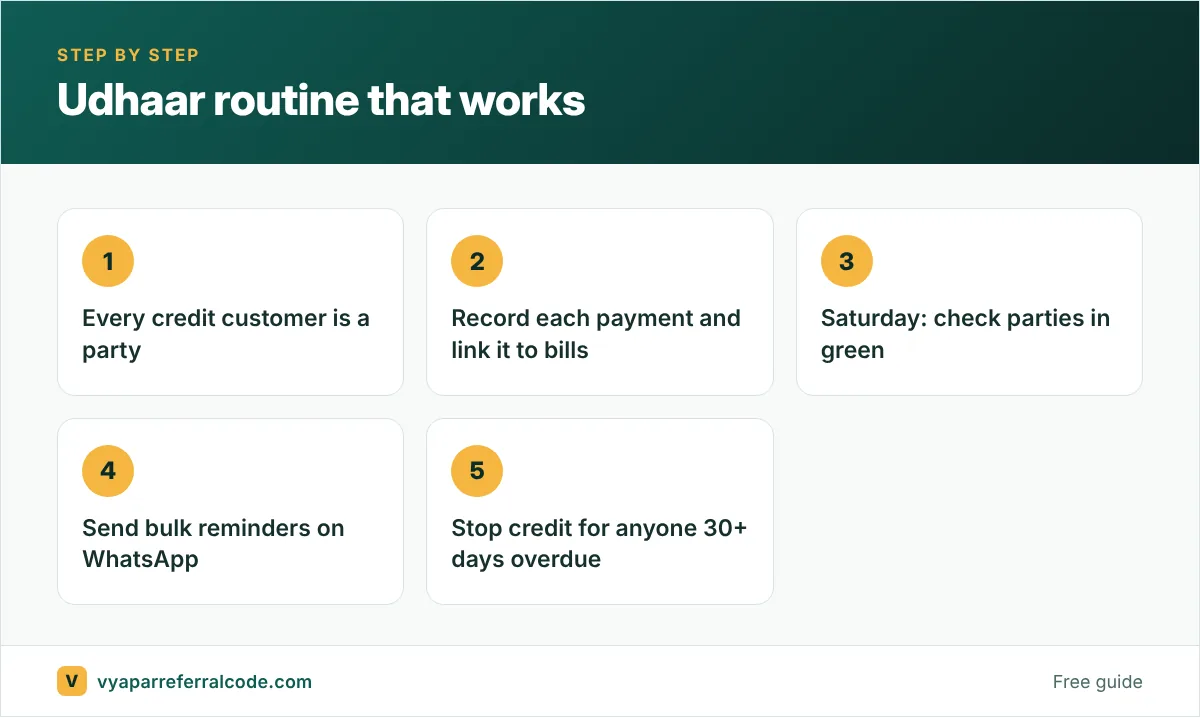
This is where Vyapar pays for itself in a kirana. Every regular customer is a party. Vyapar shows each party’s balance: red for what you owe, green for what you should collect.
- Add parties in bulk with Utilities > Import Parties, or from phone contacts.
- When a customer pays, record the payment and link it to the bill: turn on Settings > Transaction > Link payment to invoices. No more “maine toh pichle hafte diya tha” arguments.
- Send payment reminders on WhatsApp or SMS, one by one or in bulk. See payment reminders.
4. Stock that warns you
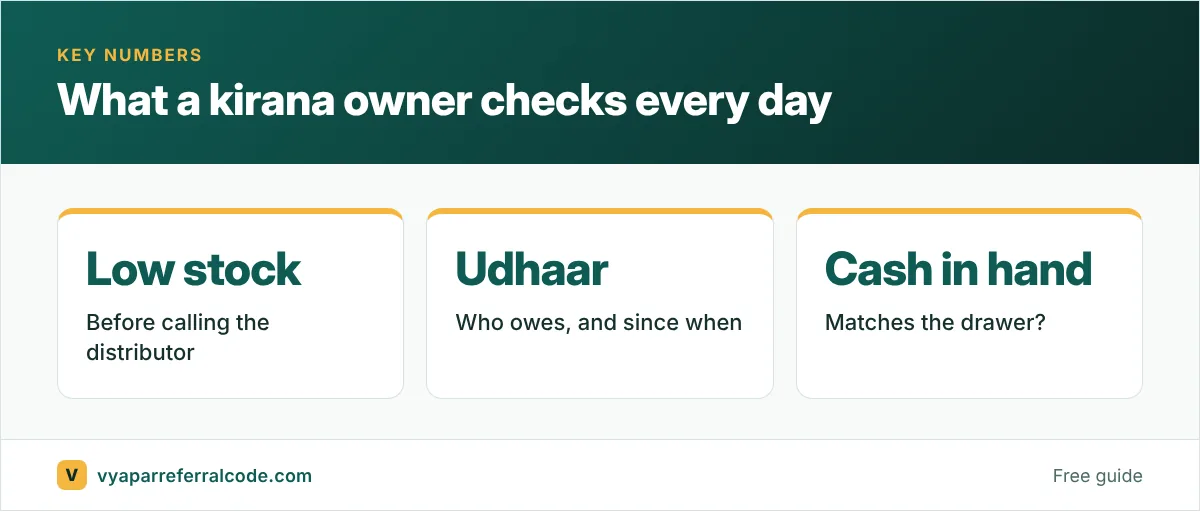
Run out of Parle-G on a Sunday and the customer goes next door, maybe for good. With minimum stock levels set, Vyapar warns you when an item runs low. Check the Stock Summary Report (Reports > Item/Stock Reports) before you place orders with your distributor, instead of walking the shelves with a notebook.
For short-life items (milk products, bread, some snacks), consider batch and expiry tracking so you can push older stock first. See batch and expiry tracking.
5. Take orders through an online store
Many kirana customers already order on WhatsApp. Vyapar’s online store turns your item list into a link with prices and photos. Customers add items to a cart and order; you convert the order into a bill. See Vyapar online store.
6. Know which items make money
Once a month, open Reports > Item/Stock Reports > Item Wise Profit/Loss. In most kiranas, a small group of items carries the profit. Some fast movers barely make anything after distributor rates and the discounts you give. Knowing which is which changes how you stock and price.
GST for kirana stores
Many small kiranas are below the GST registration limit or use the composition scheme. If you are under composition, Vyapar issues bills of supply; see our composition scheme guide. If you are a regular taxpayer, keep your item rates current: many everyday goods changed slabs in September 2025. Our new GST rates guide explains the change.
Hardware for a kirana counter
- A computer or tablet at the counter, or even just a phone to start.
- A USB barcode scanner.
- A 3-inch thermal printer for receipts. See printer setup.
Start with the phone if budget is tight. Add the scanner first; it makes the biggest difference.
A day at a kirana counter with Vyapar
- Morning: the owner checks the low stock list and calls the distributor for atta, oil and sugar.
- Rush hours: walk-in sales are billed by scanning barcodes; loose items like dal are sold by weight with the unit set to kg.
- Afternoon: a regular customer pays ₹2,000 against her udhaar. The payment is recorded against her name, and her balance updates.
- Evening: the owner sends payment reminders to the five customers with the oldest dues and checks the day’s sales and cash in hand.
None of this needs an accountant. It replaces the notebook with something that adds up by itself.
Loose items and weights
Kirana stores sell many items loose. Set the unit to kg or gram for these, and allow decimal quantities, so 750 g of dal bills as 0.75 kg at the per-kg rate. If you use a weighing scale with barcode labels, ask your scale supplier whether its labels can be read at the billing counter.
Frequently asked questions
Is Vyapar good for a kirana store?
Vyapar covers the main kirana needs: fast barcode billing, udhaar tracking with WhatsApp reminders, low stock alerts and an online store. Try it with your own items before deciding.
Can I track customer credit (udhaar) in Vyapar?
Yes. Each customer is a party with a running balance. Record payments, link them to bills and send reminders.
Can I add all my kirana items at once?
Yes. Use Utilities > Import Item with Vyapar’s Excel template.
Does Vyapar work for a kirana not registered under GST?
Yes. You can make non-GST bills and turn GST on later if you register.
Opening your Vyapar account? Use the referral code PNQ1G9 for 3 to 6 months extra. Our step-by-step guide shows where.